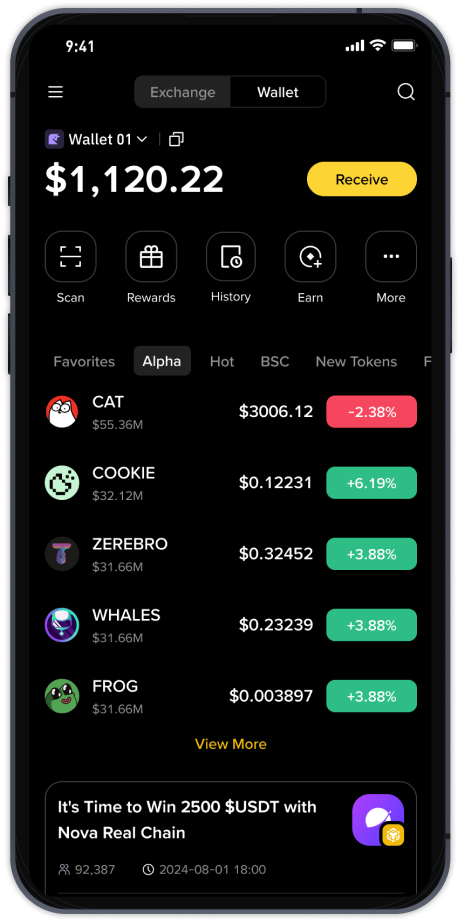
How to Transfer from TP Wallet to Binance: A Step-by-Step Guide for Beginners

Transferring cryptocurrency from a TP Wallet to Binance is a common task for users who want to trade or manage their assets on a centralized exchange. While the process may seem daunting at first, understanding each step will help you complete the transaction safely and efficiently. This guide will walk you through the entire procedure, from locating your wallet address to confirming the transfer.
First, you need to ensure your TP Wallet is properly set up and funded. TP Wallet typically supports multiple blockchains, including Ethereum, BNB Smart Chain, and TRON. Before initiating any transfer, check that you have sufficient coins to cover the network fee (gas fee) required for the transaction. If your wallet is empty of the native coin used for gas, the transfer will fail.
Next, open your Binance account and navigate to the "Deposit" section. Here, you must select the exact cryptocurrency you wish to transfer. It is critical to choose the correct network – for example, if you are sending USDT from TP Wallet on the TRC20 network, you must select TRC20 on Binance as well. Mismatching networks can result in permanent loss of funds. Once you have selected the coin and network, Binance will generate a deposit address and a memo (if required). Copy this address carefully.
Now, return to your TP Wallet. Tap on the asset you want to send and select "Send" or "Transfer." Paste the Binance deposit address into the recipient field. Some networks require a "Memo" or "Destination Tag" – if Binance provided one, enter it exactly as shown. Double-check every character, as cryptocurrency transactions are irreversible. Enter the amount you wish to transfer, taking into account the network fee deducted from your wallet balance.
Before confirming, carefully review all details: the receiving address, the network, the amount, and the memo. Once you hit "Confirm," the transaction will be broadcasted to the blockchain. Depending on network congestion, it may take a few seconds to several minutes for the transfer to appear on Binance. You can track the transaction status using the TXID (transaction ID) provided by your wallet.
Finally, check your Binance deposit history. Once the required number of network confirmations is reached, the funds will be credited to your Binance account. Note that some tokens have a minimum deposit amount – if you send less than the required minimum, the deposit may not be credited. Always consult Binance’s deposit rules for the specific cryptocurrency you are transferring.
Security is paramount throughout this process. Avoid using public Wi-Fi when making transfers, and always verify the address by comparing the first and last few characters. If you are unsure, send a small test transfer first. By following these steps carefully, you can move your assets from TP Wallet to Binance with confidence.