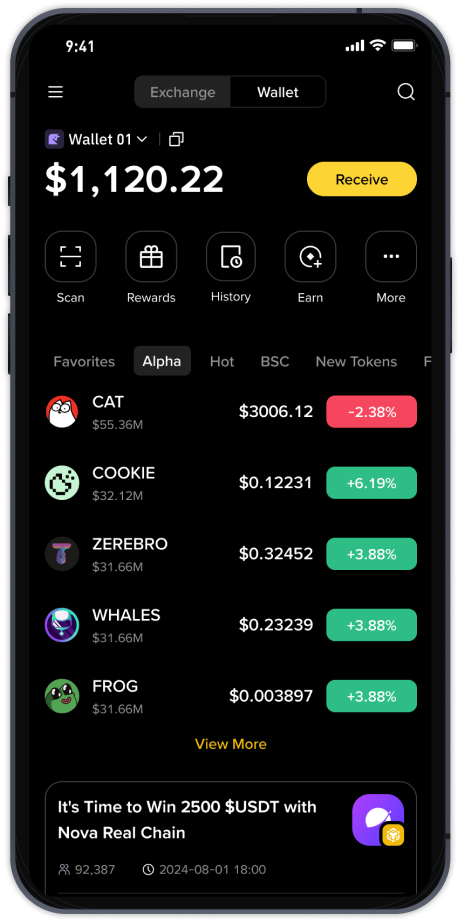
How to Withdraw Funds from Binance Cryptocurrency Exchange: A Step-by-Step Guide

Binance, one of the world’s largest cryptocurrency exchanges, allows users to trade, store, and withdraw a wide variety of digital assets. Withdrawing funds from Binance is a straightforward process, but it requires careful attention to security steps and network selection. This guide will walk you through the complete withdrawal process, from accessing your wallet to confirming the transaction on the blockchain.
First, log in to your Binance account. It is strongly recommended to use the official website or the verified Binance mobile app. Once logged in, navigate to the “Wallet” section, usually located in the top-right corner of the homepage. From the dropdown menu, select “Overview” to see your total balances, or click “Fiat and Spot” to view your available spot wallet. For crypto withdrawals, you will use the spot wallet section.
Find the cryptocurrency you wish to withdraw. For example, if you want to withdraw Bitcoin (BTC) or Ethereum (ETH), locate it in your asset list and click the “Withdraw” button next to it. A new window will appear, asking for the recipient’s address. This is a critical step: you must copy the correct deposit address from your external wallet or another exchange. Double-check every character, as sending crypto to an incorrect address can result in permanent loss of funds.
After entering the address, select the correct network. This is one of the most common mistakes for new users. Binance supports multiple networks for the same coin. For example, USDT can be sent via BEP-20 (Binance Smart Chain), ERC-20 (Ethereum), or TRC-20 (Tron). Ensure the receiving wallet supports the same network you choose. If not, your funds may be lost or require complex recovery procedures.
Next, enter the amount you wish to withdraw. Binance will display the minimum withdrawal amount and any applicable network fees. These fees vary depending on the cryptocurrency and network congestion. For example, Bitcoin network fees are typically higher than Binance Coin (BNB) or Tron fees. You can check the exact fee before confirming. Some users choose to withdraw BNB to save on transaction costs, but always verify the receiving wallet’s compatibility.
Before finalizing, Binance will require you to complete security verification. This usually includes your 2FA (two-factor authentication) code from Google Authenticator or SMS, and possibly an email confirmation code. If you have whitelisted addresses enabled, you can only send to pre-approved addresses. This adds an extra layer of security. After entering all required codes, click “Submit” to initiate the withdrawal.
Once submitted, the withdrawal will be processed by Binance. During periods of high traffic, it may take 5 to 30 minutes for the transaction to be broadcast to the blockchain. You can monitor the status in your withdrawal history under the same “Wallet” section. Binance will provide a transaction ID (TXID) once the network confirms the first block. You can use this TXID on a blockchain explorer (e.g., Etherscan or BscScan) to track the progress in real time.
For fiat currency withdrawals (such as USD, EUR, or GBP), the process differs. You need to go to “Buy Crypto” or “Fiat and Spot,” select your fiat balance, and choose the withdrawal option. Binance supports bank transfers, credit/debit cards, and third-party payment services like PayPal (depending on your region). Fiat withdrawals require KYC (identity verification) and may take 1-5 business days to reach your bank account. Always check your bank’s policy on receiving funds from crypto exchanges.
Security is paramount when withdrawing from Binance. Never share your private keys or withdrawal PIN with anyone. Use a dedicated withdrawal address that you have tested with a small amount first. Additionally, consider enabling “Anti-Phishing Code” in your Binance security settings. This helps you identify legitimate emails from Binance. If you are withdrawing large amounts, consider doing it in smaller batches to minimize risk.
If you encounter issues such as a frozen withdrawal or a “pending” status for more than an hour, check Binance’s system status page. Occasionally, network upgrades or maintenance can cause delays. For persistent problems, contact Binance support through the official chat feature. Never search for support numbers on Google or social media, as scammers often impersonate Binance staff. Always verify support links through the Binance app or website footer.
In summary, withdrawing from Binance requires careful address entry, network selection, and security verification. By following these steps, you can safely move your funds to a personal wallet or another exchange. Whether you are cashing out crypto for fiat or transferring tokens to a hardware wallet, patience and double-checking every detail will prevent costly errors. Stay informed about changing network fees and always keep your device and account security up to date.